Sign in and forgotten password
How to get into your account – even without a password.
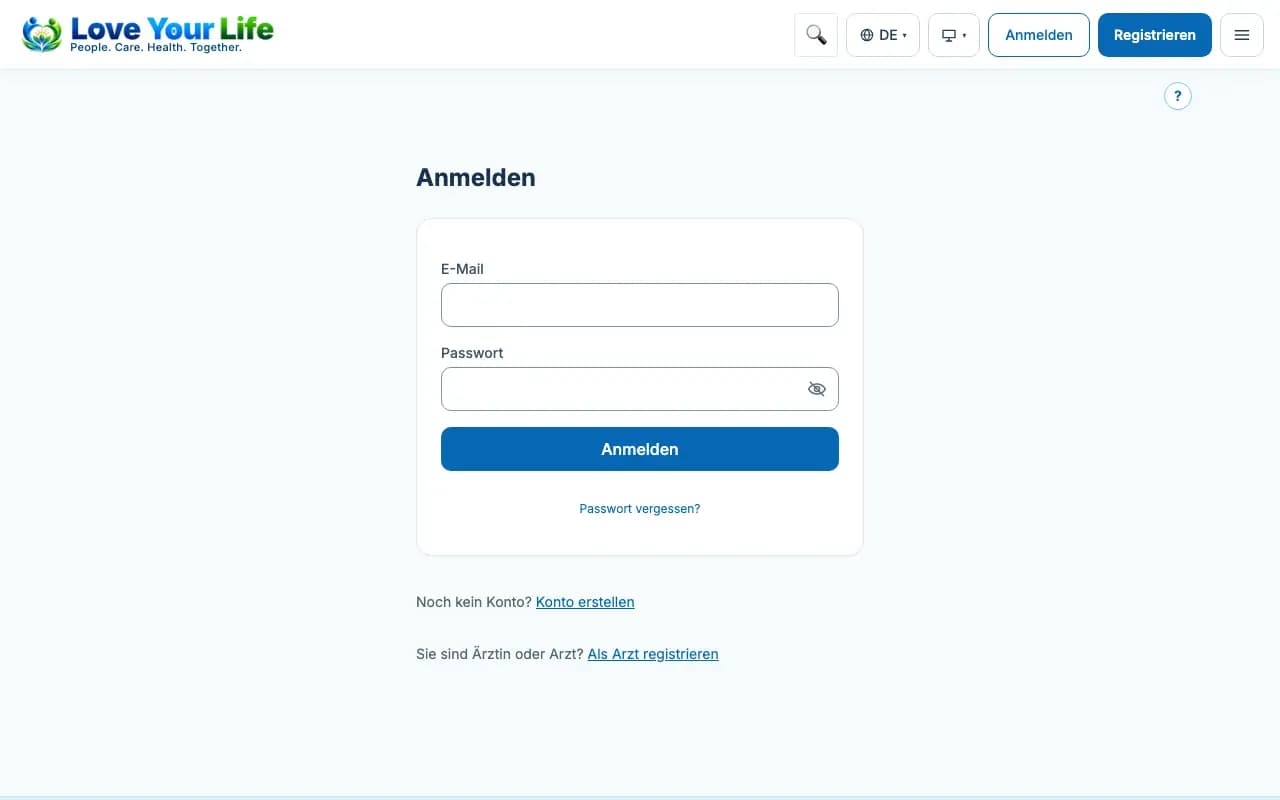
You sign in with your email address and password. If you have forgotten the password, you reset it yourself.
Steps
- Open “Sign in” and enter your email address and password.
- If you have set up a second factor, enter the code from your app.
- Forgotten password: tap the link for it, enter your email address and tap “Send reset link”.
- Open the link from the email within 60 minutes, choose a new password and tap “Save password”.
Good to know
- If you registered with Apple or Google, sign in with the same button.
- After several wrong attempts, signing in is blocked for a short time.