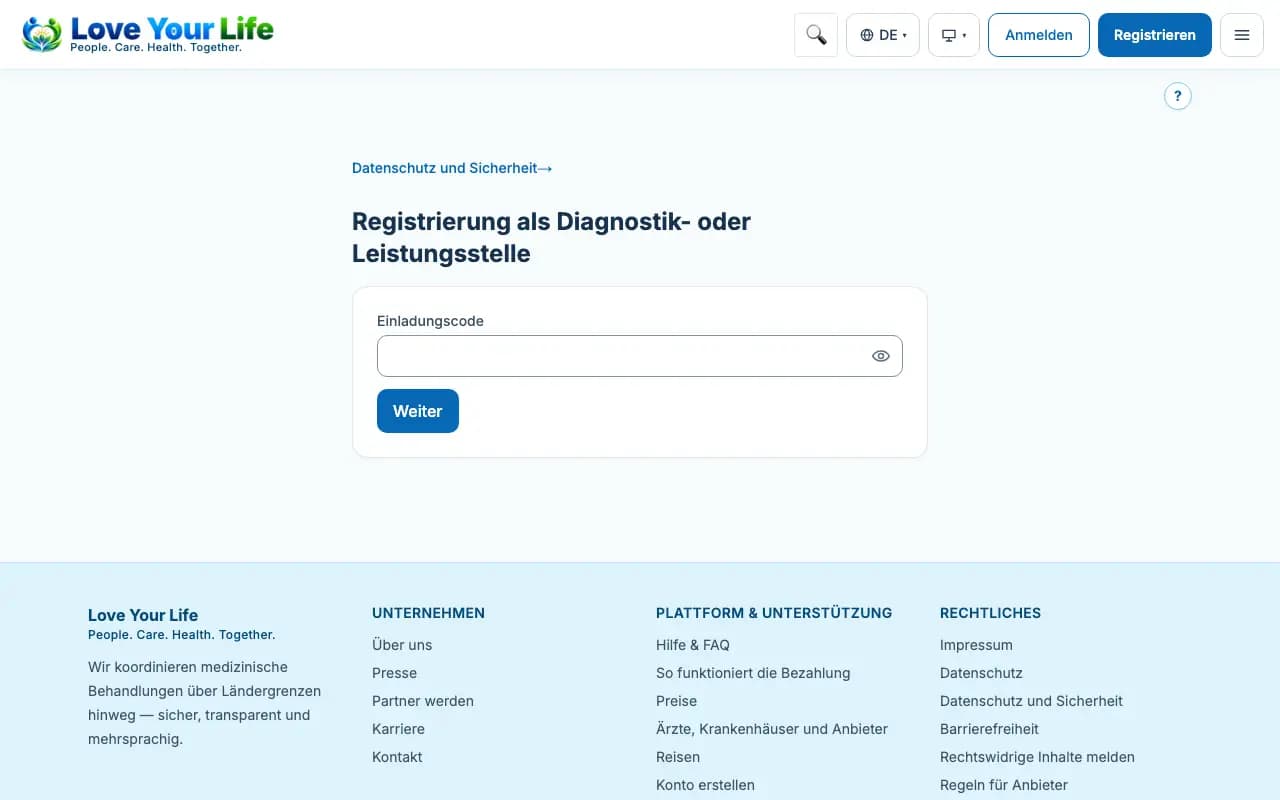
Register as a hospital department
Members of a department, for example a hospital's laboratory or radiology, come with their clinic's code.
A hospital creates departments in its own portal and invites members. The invitation contains a code with which you create your account.
Steps
- Open the link from your clinic's invitation email.
- Enter the invitation code and press “Continue”.
- Check the title: “Registration for the … department” with your clinic's name.
- Enter your name, choose a password and tick the box.
- Press “Create account”.
Good to know
- Without your clinic's code, registration is not possible.
- A department only sees its own hospital's cases.
- Departments have no separate billing via the platform.