Cancel or withdraw from contracts
The way to cancel – even without signing in.
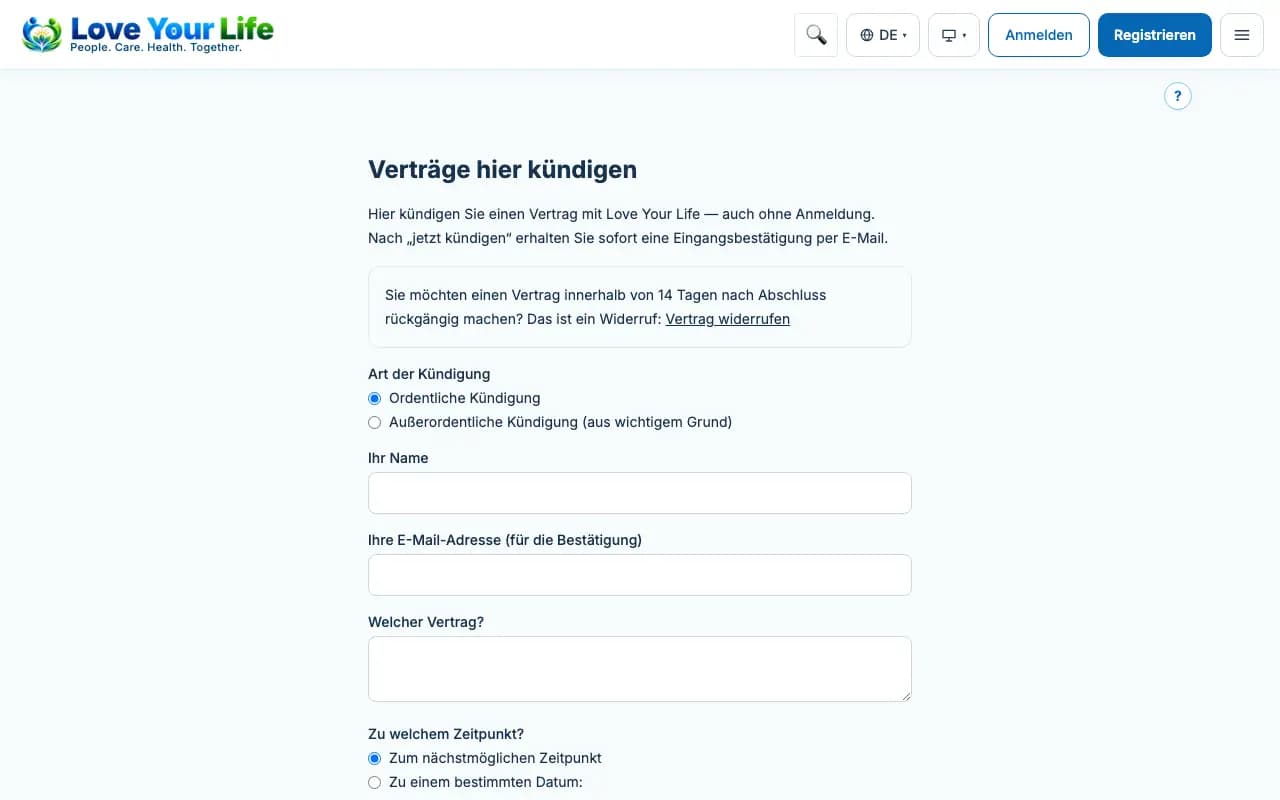
You can cancel ongoing contracts such as membership, storage subscription or aftercare package at any time via “Cancel contracts here”, even without signing in.
Steps
- Tap “Cancel contracts here” at the bottom of the page.
- Choose the type of cancellation and enter your name, email address and the contract.
- Check the details on the confirmation page and tap “cancel now”.
- You receive a confirmation of receipt by email.
Good to know
- You withdraw from a contract within the deadline via “Withdraw from a contract”.
- Save or print the declaration shown for your records.