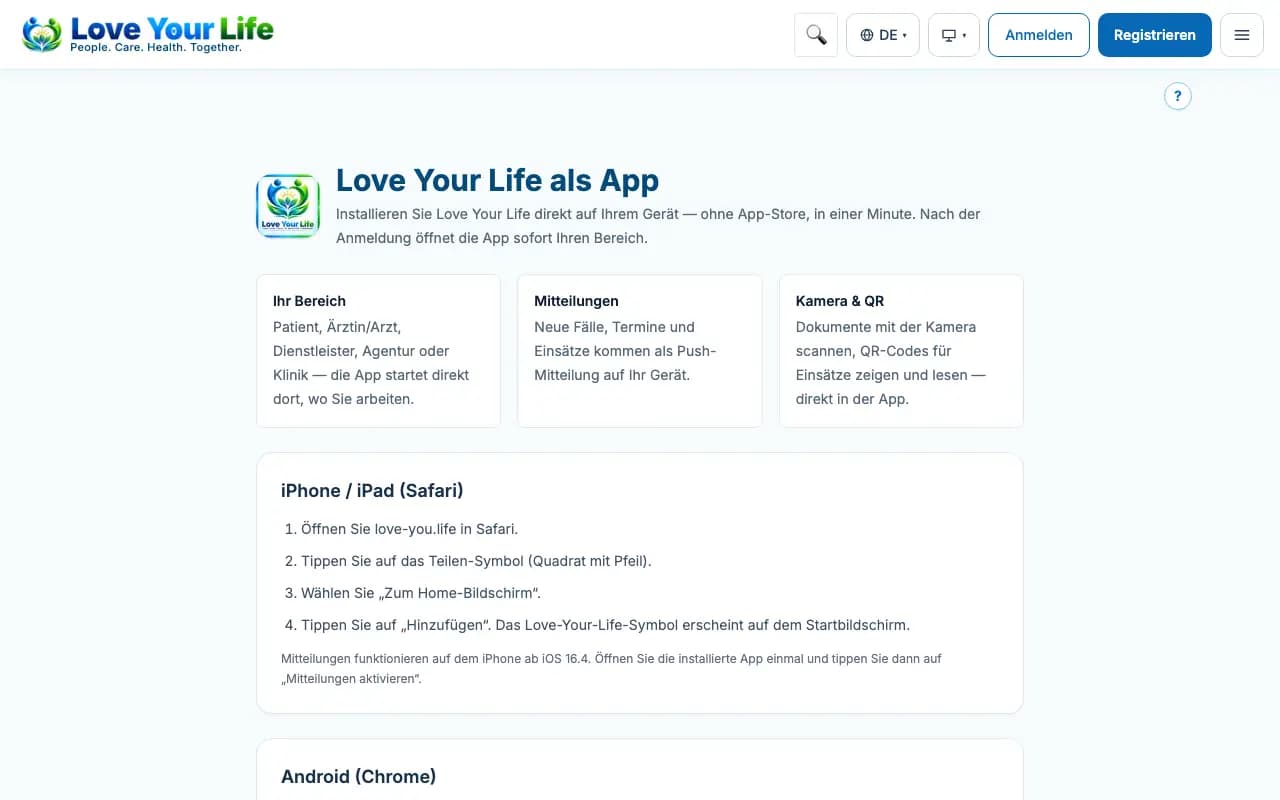
Use Love Your Life as an app
The platform on your phone's home screen.
Love Your Life runs in the browser and can be added to the home screen as an app. This way you open the portal with one tap.
Steps
- Open the “App” page.
- iPhone: open the page in Safari, tap Share and then “Add to Home Screen” and “Add”.
- Android: open the page in Chrome, tap the menu and then “Install app”.
- Open the app from the home screen and sign in.
Good to know
- The entries in the App Store and Google Play are being prepared. As soon as they are approved, the links appear at the bottom of the website.
- Patients use the patient app; partners have their own app.