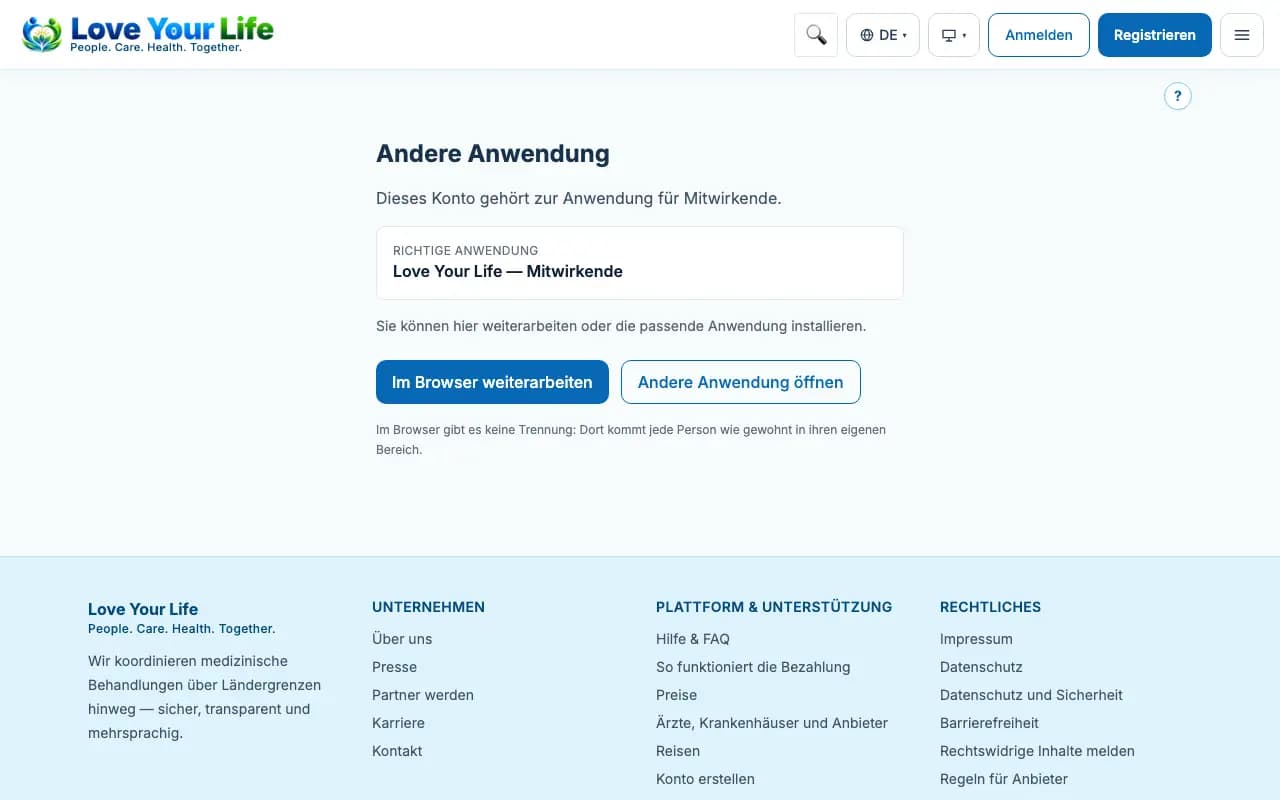
Notice “wrong app”
What to do if the app does not match your account.
There are separate apps for patients, for partners and for the administration. If you sign in to the wrong app, you see a notice.
Steps
- Read which app belongs to your account.
- Tap “Continue in the browser” to carry on right away.
- Or install the right app via “Install app”.
Good to know
- Your account and your data stay the same, whichever app or browser you use.
- In the browser on a computer there is no restriction.