Register with a hospital's code
How you belong to your hospital after registration.
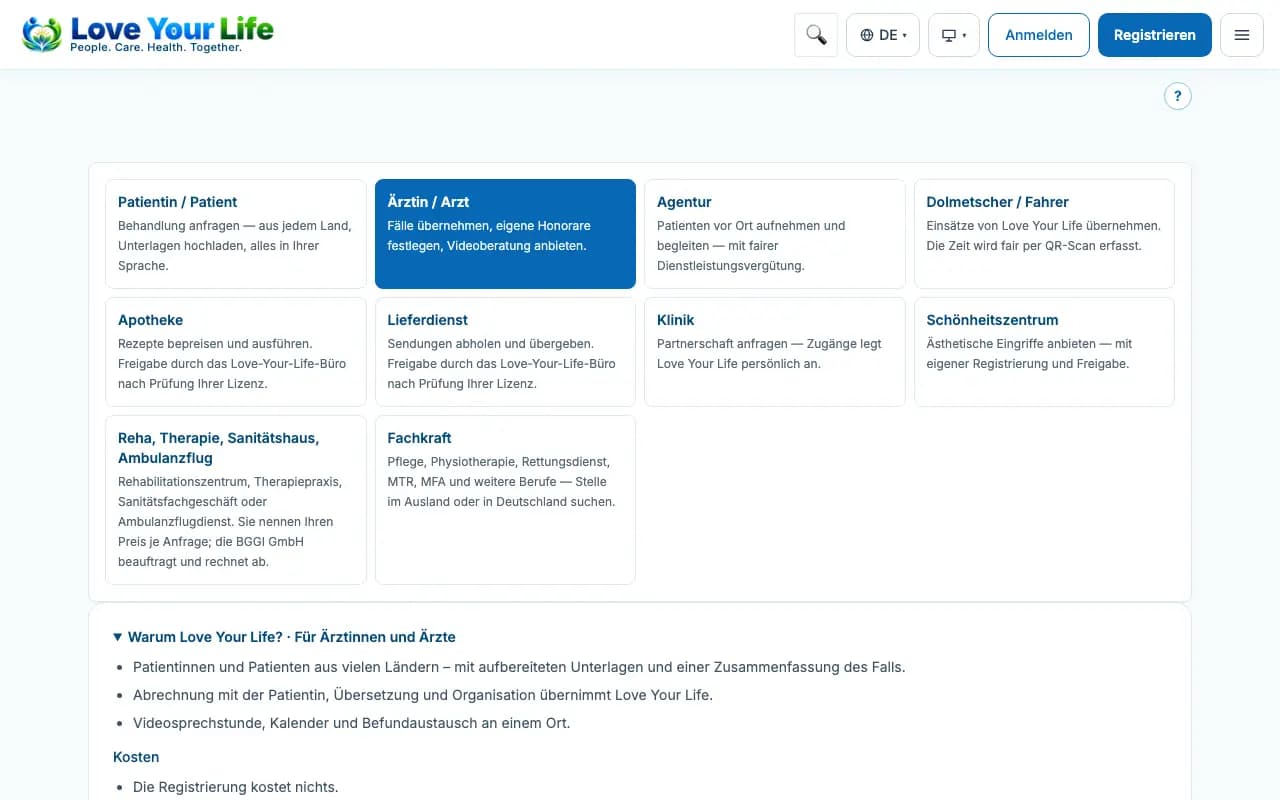
If your hospital has given you an invitation code or a registration link, you register as a doctor at that hospital and receive your own portal under the hospital.
Steps
- Open the link from your hospital's invitation – the code is then already entered and the hospital's name is shown.
- Without a link, enter the code in the field “Hospital invitation code (optional)”.
- Complete the registration as usual and submit it.
- The hospital then confirms your affiliation.
Good to know
- An invalid or expired code is rejected; leave the field empty or ask your hospital for a new code.
- With a valid code, registration is also possible when it is otherwise open by invitation only.
- If you already have an account, you join the hospital later in your profile via “Your portal under a hospital”.