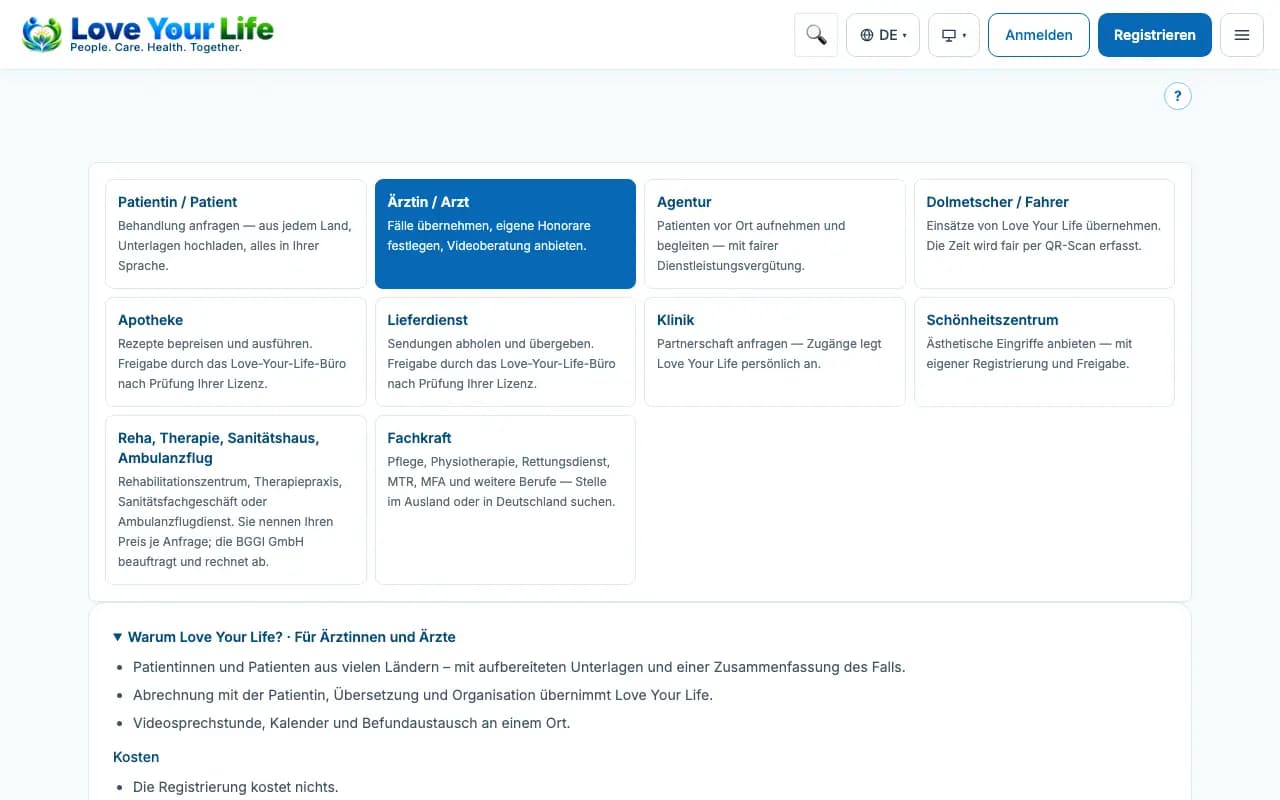
Register as a doctor
Create an account, specialty, languages, licence and your email address at Love Your Life.
With registration you create your account in the doctor portal. You only get access to case data once Love Your Life has checked and approved your details.
Steps
- Open the page “Treat international patients with Love Your Life” (registration for doctors).
- Enter title, first name, last name, email address and a password of at least 10 characters.
- Choose specialty, languages and country; your practice address is optional.
- If possible, upload your licence to practise or approbation.
- Under “Your email address at Love Your Life”, check the proposed address (md-…@love-you.life) and confirm it.
- Tick the boxes for agreement, privacy and truthful information and click “Submit registration”.
Good to know
- If registration is currently by invitation only, use the link from your invitation (for example from a clinic or agency).
- Until approval, after signing in you only see the status of your registration, no patient data.
- Your sign-in email remains unchanged; you receive the md-… mailbox after approval.