Have your data deleted
How to request the deletion of your data.
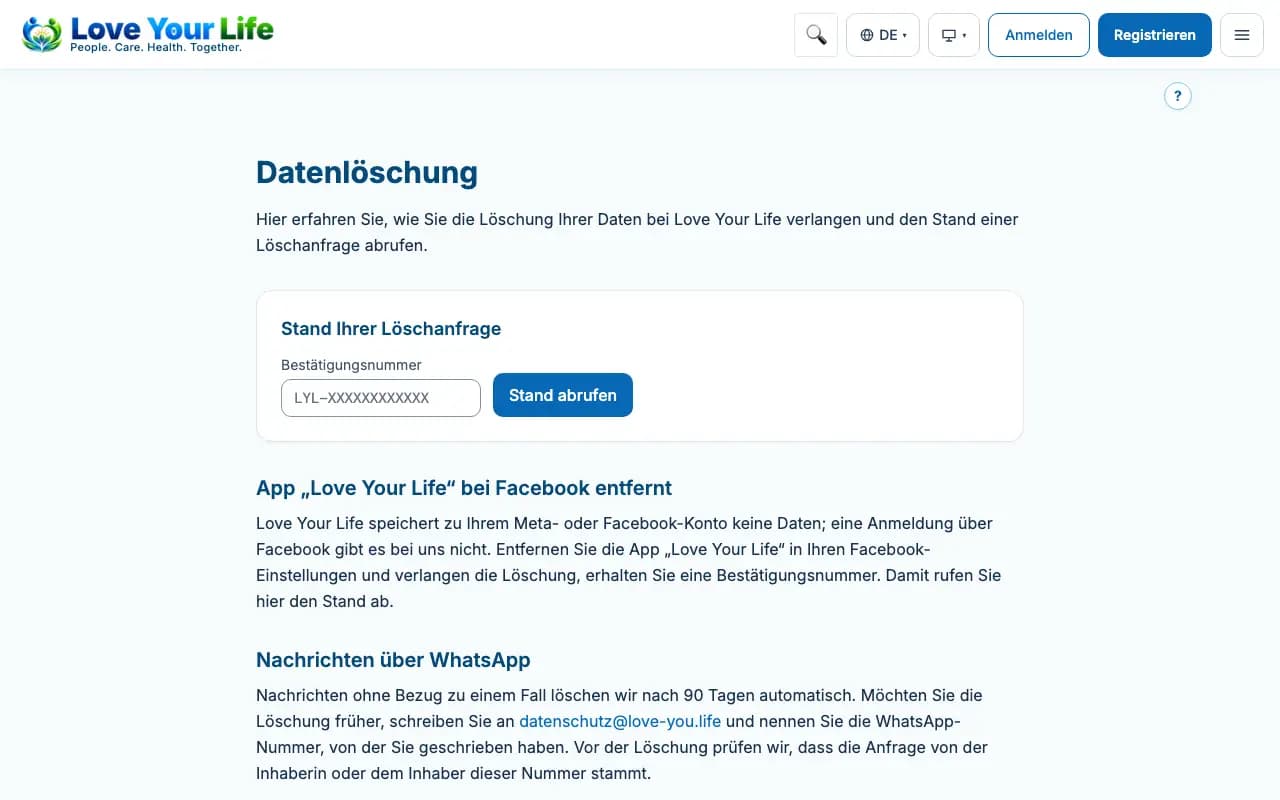
You can request the deletion of your account and your data. The “Data deletion” page explains the ways.
Steps
- With an account: sign in, open “Privacy” and tap “Request erasure”.
- We delete WhatsApp messages automatically after 90 days; earlier on request.
- If you have a confirmation number, enter it on the “Data deletion” page and tap “Check status”.
Good to know
- We have to keep invoices and contracts for legal reasons.
- We do not store any data about you via Facebook or Instagram.