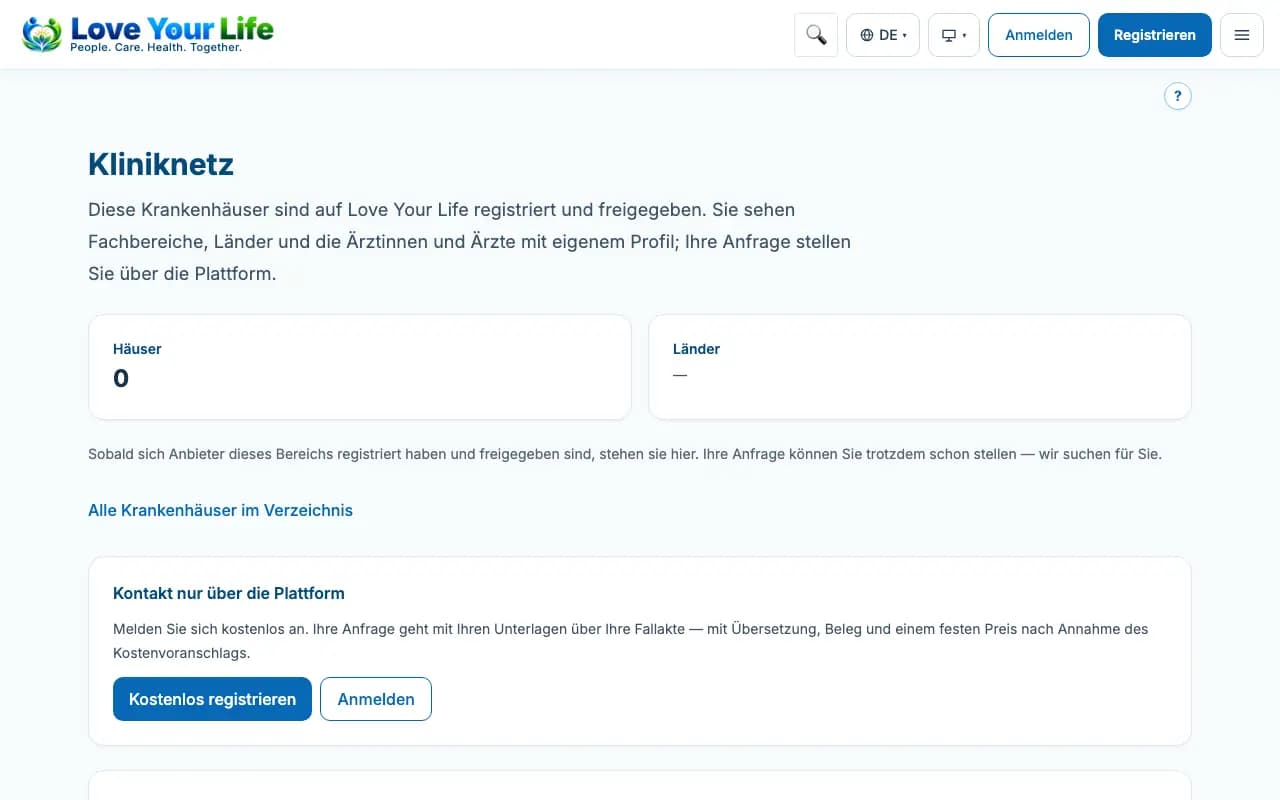
How your hospital appears publicly
The profile in the hospital network – without contact details, description and images only after approval.
Registered hospitals appear in the public Love Your Life hospital network, which can be read without signing in. This is how patients see your hospital before making an enquiry.
Steps
- Open the hospital network and search for your hospital.
- The profile shows the name, place, specialties and doctors of your hospital.
- After approval, you maintain the description and images in the clinic portal under “Images”.
Good to know
- Phone number, email address, postal address and website never appear publicly – enquiries always go via Love Your Life.
- New images and a new description are reviewed before publication.
- A hospital only appears once it is registered and approved.