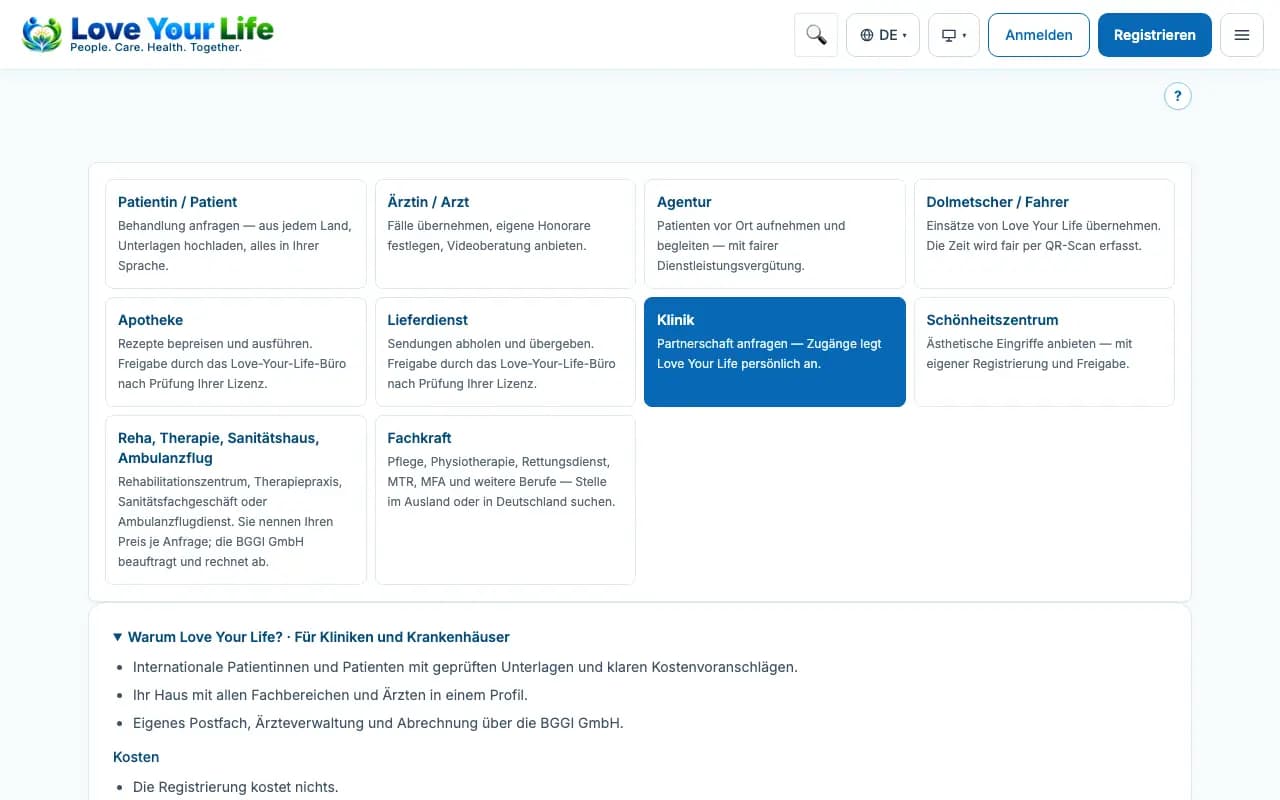
Register as a clinic or hospital
Hospital, contact person, proof and, if you wish, your doctors straight away.
Register your hospital with a contact person, for example your international office. They receive access to the clinic portal and pass forwarded cases on to your hospital's doctors.
Steps
- Open the page “Register your hospital”.
- Enter the hospital's name, country, city and address.
- State the contact person; their email address will later be your login. Choose a password.
- If possible, upload your hospital's registration or licence proof.
- If you wish, enter doctors – one line per person with name, specialty and email address.
- Confirm the proposed address of your hospital mailbox (klinik-…@love-you.life), agree to the terms and conditions and privacy policy and click “Register hospital”.
Good to know
- Hospital, contact person and password are mandatory; proof and doctor lines are optional.
- Love Your Life only activates access after the review; entered doctors are approved individually.
- Doctors with an email address receive an invitation after the review; without an address an entry without its own sign-in is created, which your office looks after.
- If registration is by invitation only, use the link from your invitation.